Lossless FLAC,
downloaded honestly.
Community proxies for Tidal, Qobuz and Amazon are mostly down right now. FLACidal still gets your FLAC: through your own self-hosted endpoint first, Soulseek P2P always after.
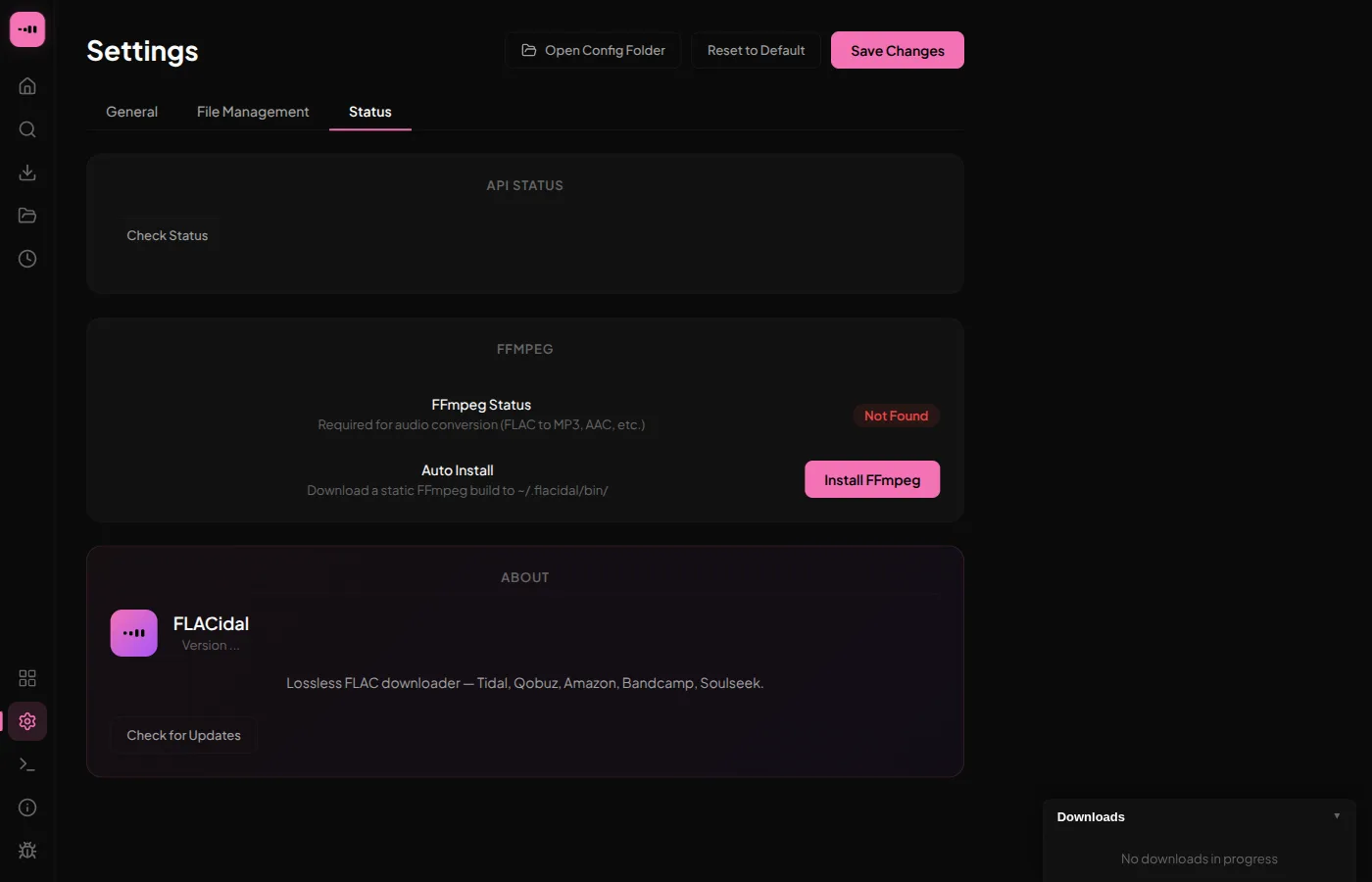
Point FLACidal at your own Tidal, Qobuz and Amazon instances. Tried before the failing shared pool, no restart needed.
→ Settings · live-reloadDesigned not to break
Nothing here is a single point of failure. A dead Tidal or Qobuz proxy just means FLACidal reaches for the self-hosted priority endpoint first, and if that's down too, Soulseek P2P is still there: no account, no API key, about five minutes to configure.
Five-minute setup
- Make a free Soulseek account in the Nicotine+ or Soulseek client.
- Open FLACidal →
Settings → Soulseekand enter your username and password. - FLACidal installs the
sldlhelper automatically; no manual binary wrangling. - Move Soulseek to the top of your source order, then download as usual.
Built for the deep end
The rest of what's new since the last time you looked, straight from the changelog.
Built for hoarders, not dashboards
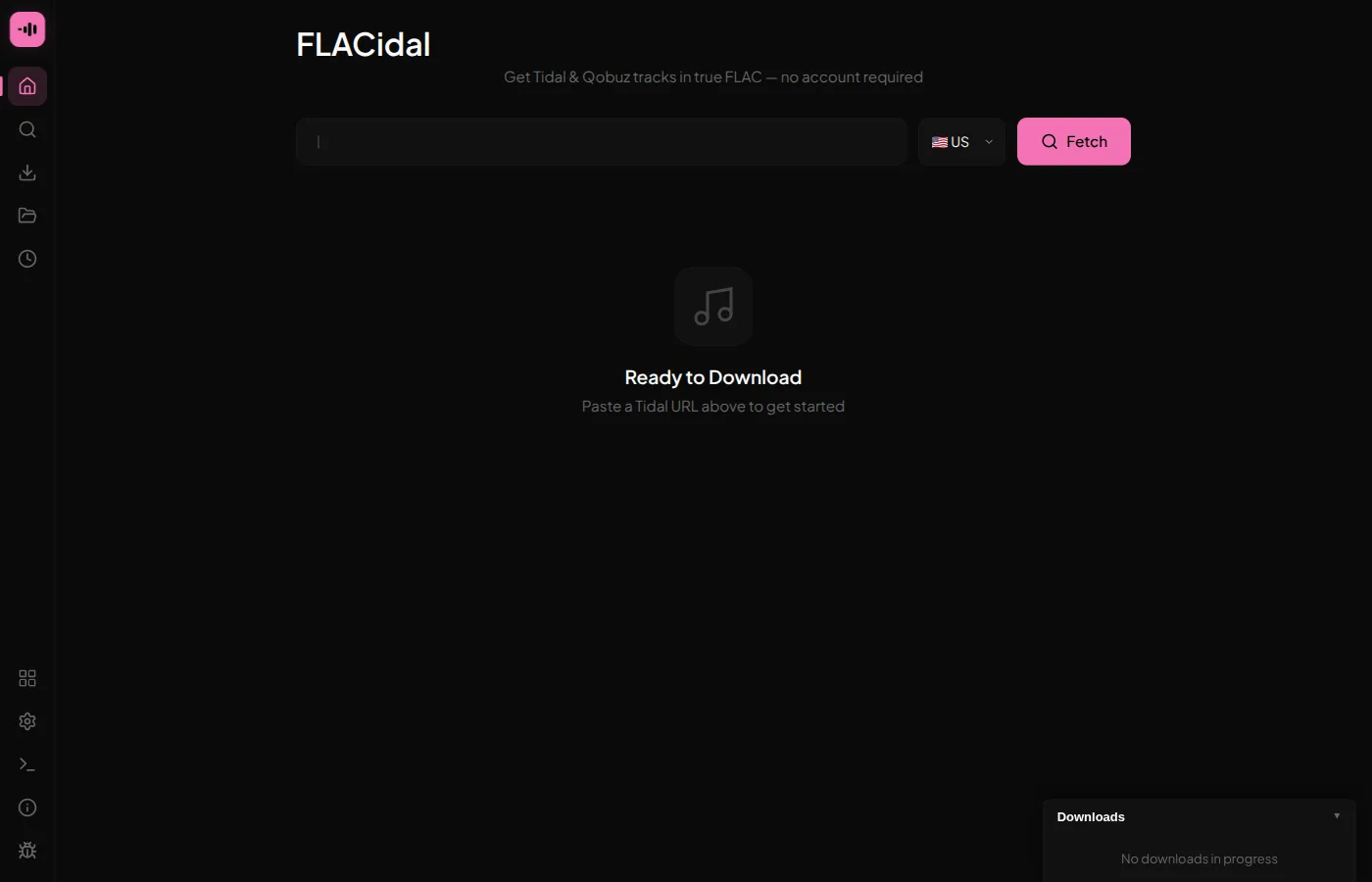
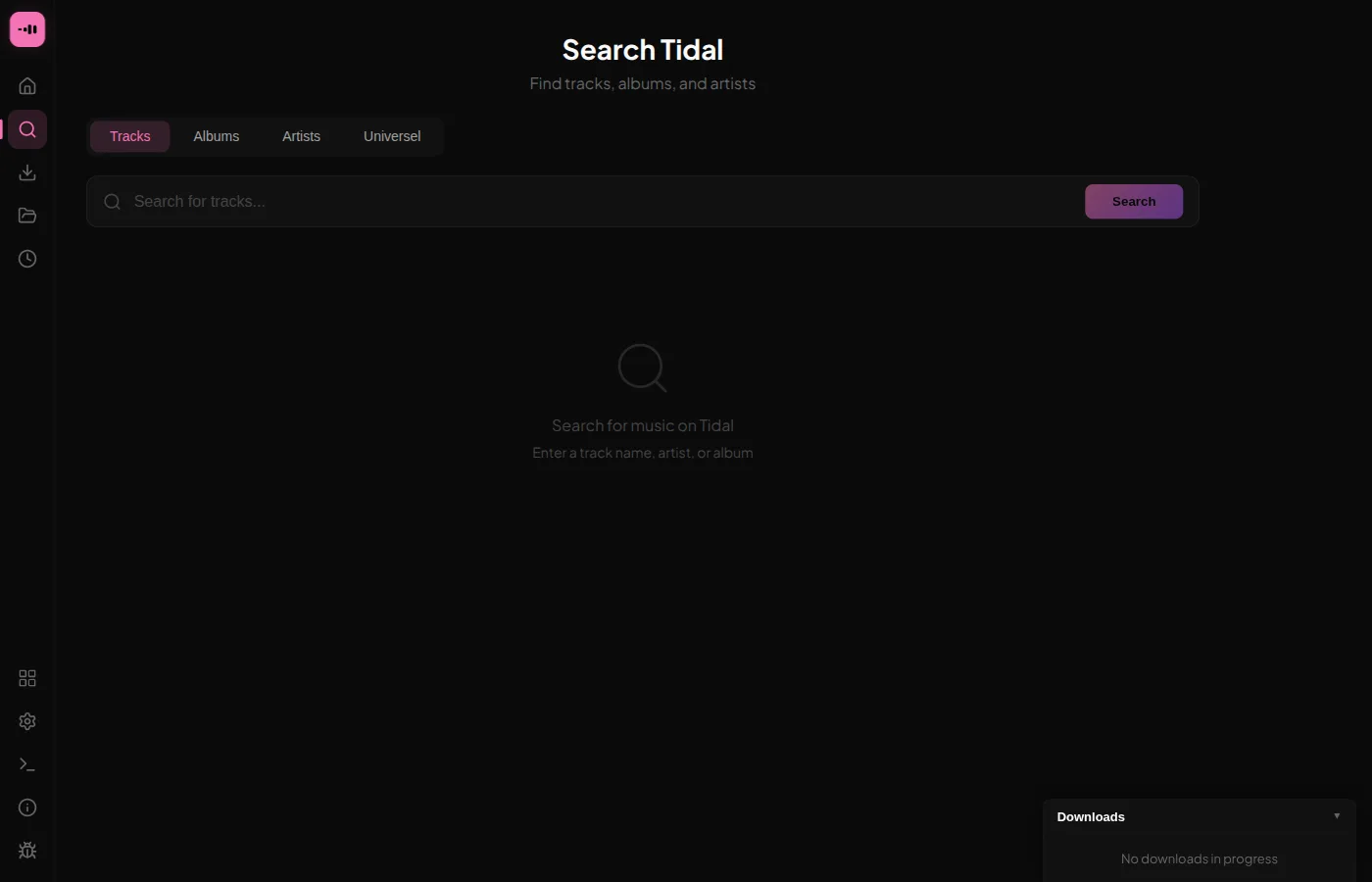
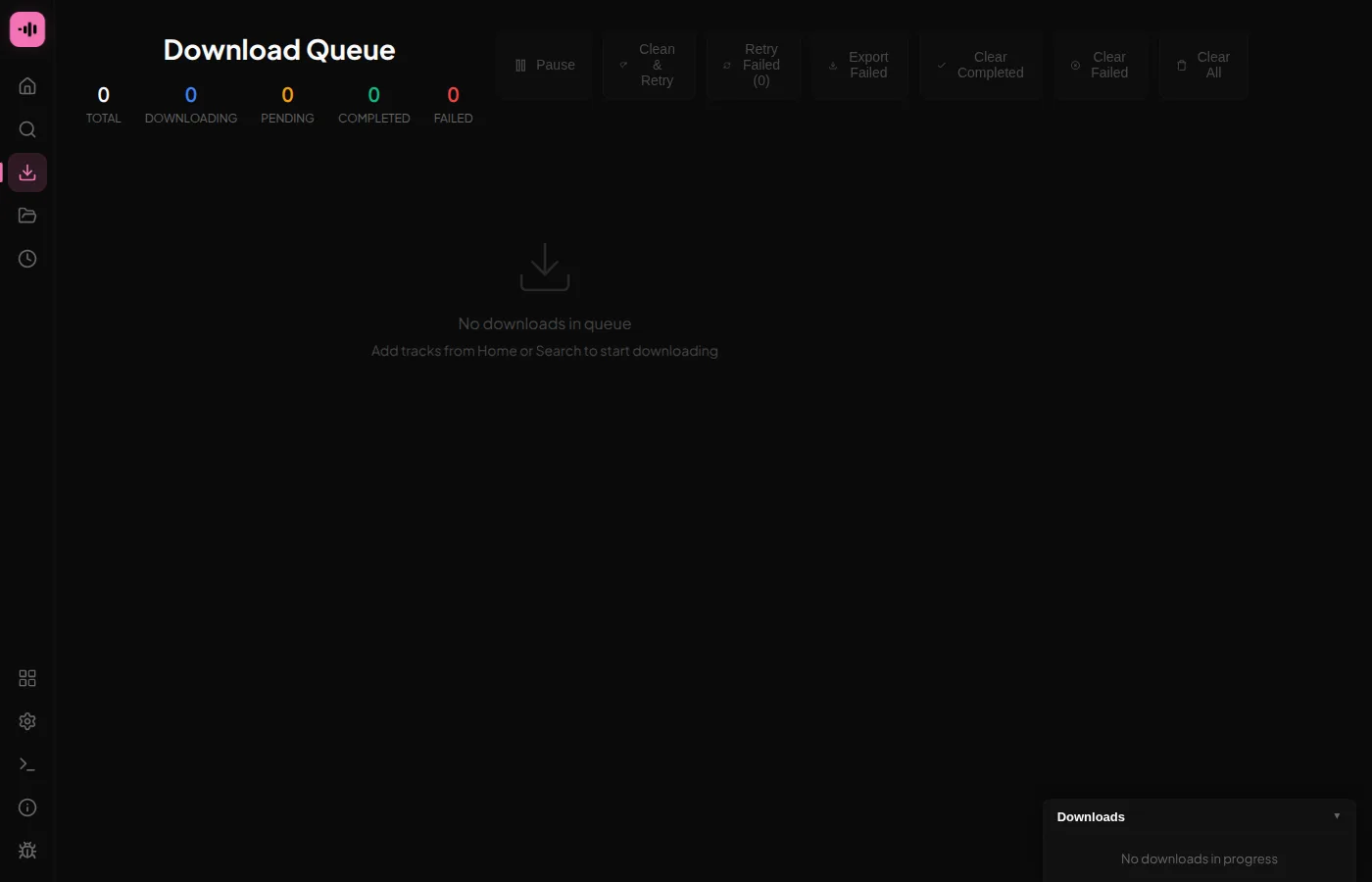
Paste a link or search, watch the queue, and check exactly which source served each track.
Get the app
Native builds for all three desktop platforms. No account, no telemetry.
On Arch: yay -S flacidal-bin · Mobile: Android & iOS builds